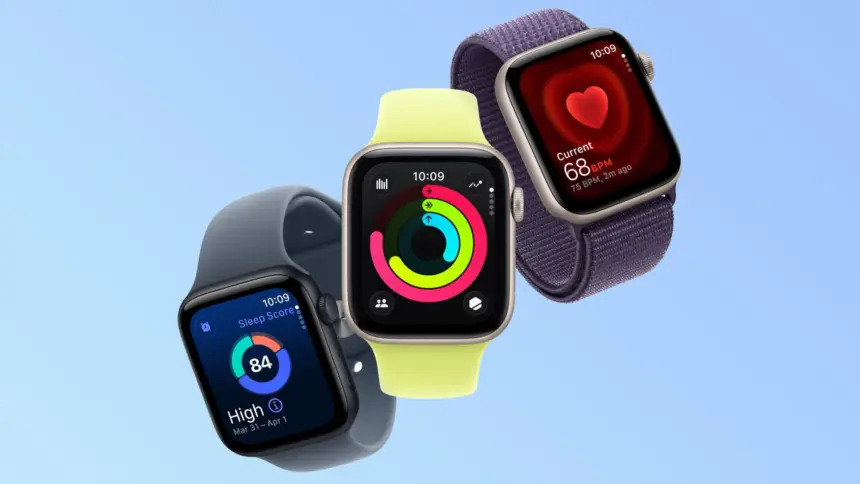
Apple published guidance on Sunday explaining how to resolve an Apple Watch Daylight Saving bug that leaves devices displaying the incorrect time by one hour. The software issue emerged over the weekend as clocks fell back across most of the United States, following similar reports from European users in late October.
Key points
- An Apple Watch Daylight Saving bug causes the Always On screen to remain one hour out of date when a user’s wrist is down.
- The watch face updates to the correct time as soon as the display wakes through a wrist raise or screen tap.
- Apple advises owners to switch watch faces back and forth or restart the device to clear the cached time offset.
- The glitch affected European wearers in October before appearing in North America following the autumn time transition.
How the clock glitch behaves
The time offset does not affect the watchOS operating system entirely. Instead, the problem is confined to the ambient display mode that runs when the screen drops into its low-power state.
Apple outlined the specific failure in an official support document published after user complaints surfaced on Sunday morning. According to the company, the device maintains the correct internal time but fails to refresh the static graphics rendered on the dimmed panel.
“This incorrect time appears only on the Always On display when your wrist is down,” Apple said in the documentation. “When you activate the display by tapping it or raising your wrist, the time changes to the correct hour.”

Because the internal clock remains accurate, alarms, notifications, and scheduled calendar events continue to sound at the appropriate time. However, glancing at the wrist without waking the screen presents an hour value that fails to reflect the autumn time shift.
How to resolve the display error
Apple outlined two manual workarounds to force watchOS to refresh its ambient watch face buffers. Neither fix requires altering system settings or resetting device data.
The fastest workaround involves swiping across the watch display to switch to a different saved watch face, then immediately swiping back to the primary layout. This cycle forces the graphics subsystem to redraw both the active and low-power views using the updated system time.
If cycling watch faces fails to correct the ambient screen, Apple recommends performing a standard restart. Users can hold down the side button until the power slider appears, turn the watch off, and press the side button again to reboot the hardware.

Geographic rollout of the problem
The bug first surfaced when European countries ended Daylight Saving Time on the final Sunday of October. Wearers in the United Kingdom and continental Europe reported that ambient watch faces lagged behind the correct time change.
The issue spread across North America on Sunday, 1 November, when regional clocks moved back by one hour. Because the transition takes place on different dates worldwide, localized watchOS installations experienced the same display caching delay one week apart.
Apple has not stated whether an over-the-air watchOS update will be released to prevent the desynchronization during future time changes.